REAL-WORLD BENEFITS
New listening possibilities with Auracast hearing aids
More than five new venues offering Auracast broadcast audio are appearing every day.* Discover five ways Auracast can transform listening in your life.
CLINICALLY REVIEWED
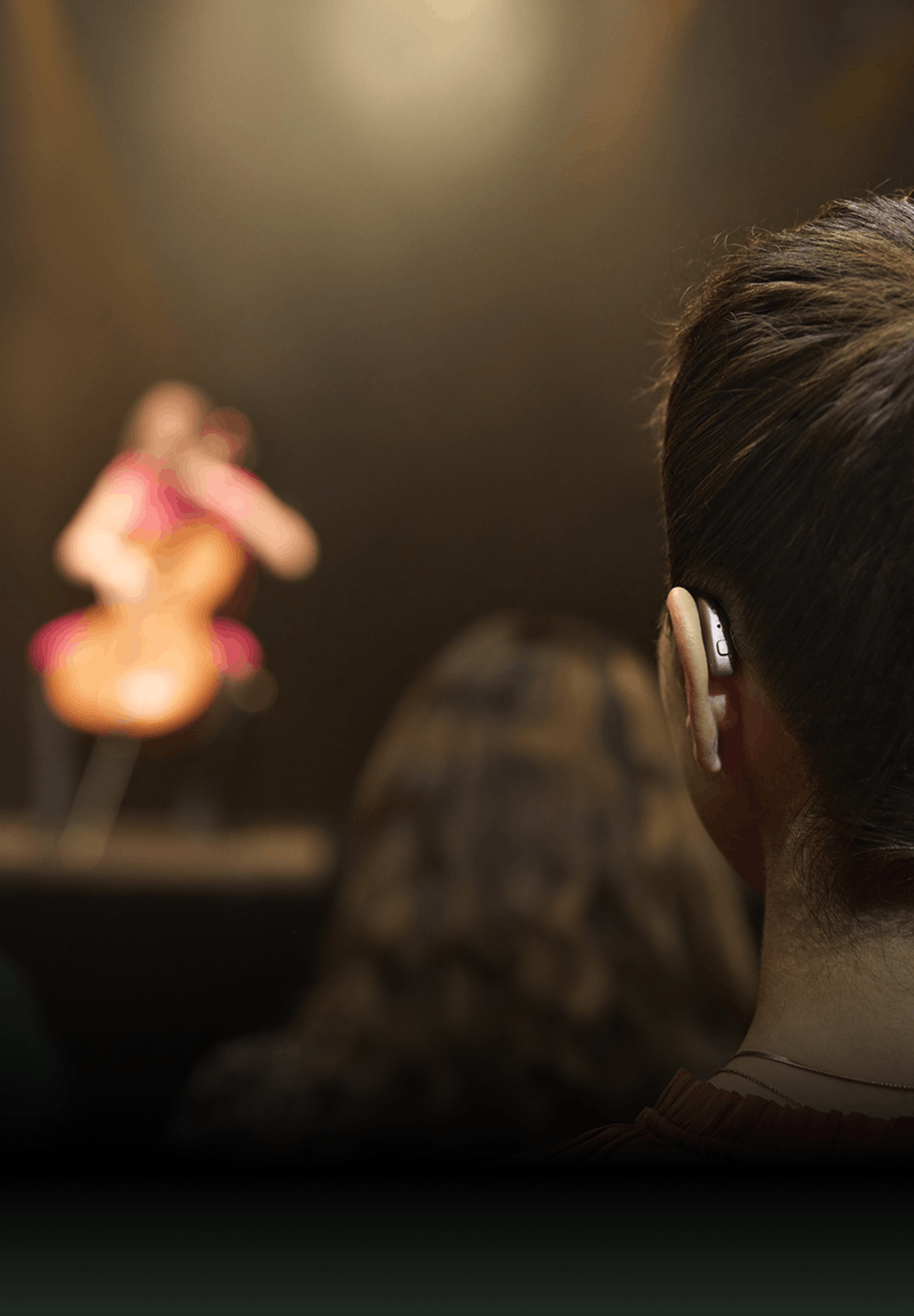
From the ballet to noisy everyday places, Auracast hearing aids transform listening experiences with Auracast broadcast audio – made possible by Bluetooth™ Low Energy (LE) Audio.
With Auracast, you don’t need to sit in a designated area to access telecoil or rely on a friend to explain what is happening. Sit where you wish, choose an Auracast broadcast, and hear it directly with compatible Auracast hearing aids or other Auracast devices.
The content on this page has been reviewed and approved by Laurel A. Christensen | Ph.D. Hearing Science and Audiology | Chief Audiology Officer
TECHNOLOGY PIONEER
Building on years of innovation in Bluetooth hearing aids, our latest hearing aids are now also Auracast hearing aids. Watch Thomas Olsgaard, Principal Engineer at GN Hearing, explain why Auracast is such a game changer. He worked with the Bluetooth SIG for many years to help develop the technology behind Auracast for hearing aids.
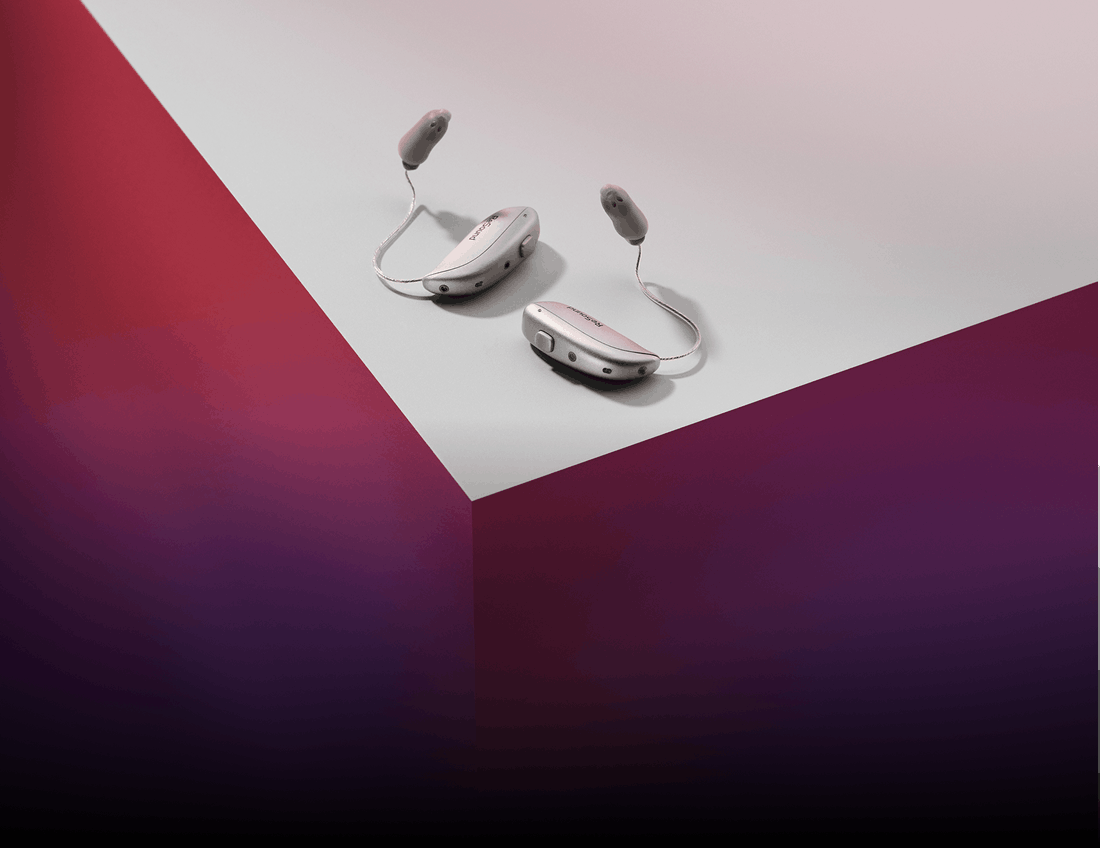
Discover our latest Auracast compatible hearing aids in styles designed to suit you and your lifestyle.
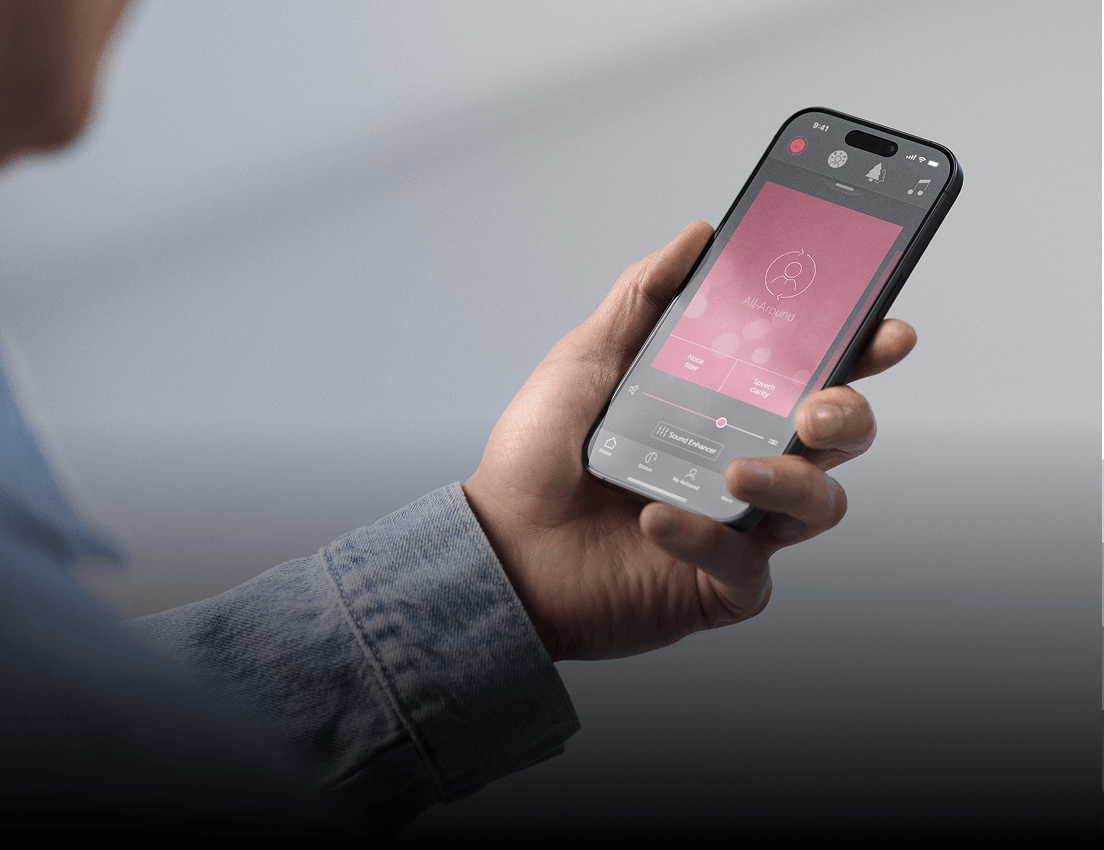
Check whether your phone or other mobile device is compatible with Auracast broadcast audio.
Auracast in hearing aids is a new Bluetooth audio feature that lets compatible hearing aids receive shared audio broadcasts.
Instead of pairing to one device, hearing aid users can discover and join an Auracast broadcast in public places or at home.
This makes hearing aid streaming more flexible, accessible and inclusive.
Hearing aids compatible with Auracast are models that support Bluetooth LE Audio and Auracast broadcast audio. Compatibility depends on the hearing aid brand, model and software support.
ReSound hearing aids are the first to connect with Auracast broadcast audio.
To check whether your hearing aids are compatible with Auracast, review the product specifications or ask your hearing care professional.
The benefits of Auracast for people with hearing loss include clearer access to shared audio, less listening effort and more freedom in public places.
Auracast can stream announcements, TV audio, guided tours, lectures and other sound directly to Auracast compatible hearing aids, making it easier to hear what matters.
Auracast works with hearing aids by broadcasting audio from one source to many compatible receivers at the same time.
Users with Auracast compatible hearing aids and other Auracast devices for listening can find an available audio stream and join it without traditional pairing.
It works more like selecting a Wi‑Fi network than pairing classic Bluetooth devices.
Hearing aids compatible with Auracast are models that support Bluetooth LE Audio and Auracast broadcast audio.
Compatibility depends on the hearing aid brand, model and software support.
ReSound hearing aids are the first to connect with Auracast broadcast audio.
To check whether your hearing aids are compatible with Auracast, review the product specifications or ask your hearing care professional.
Find out if your hearing aids support Auracast by checking the product specifications, user guide or app compatibility details.
ReSound hearing aids connect with Auracast now. If your hearing aids support Bluetooth LE Audio or Auracast broadcast audio, they are likely compatible Auracast devices.
Your hearing care professional can also confirm whether your model supports Auracast.
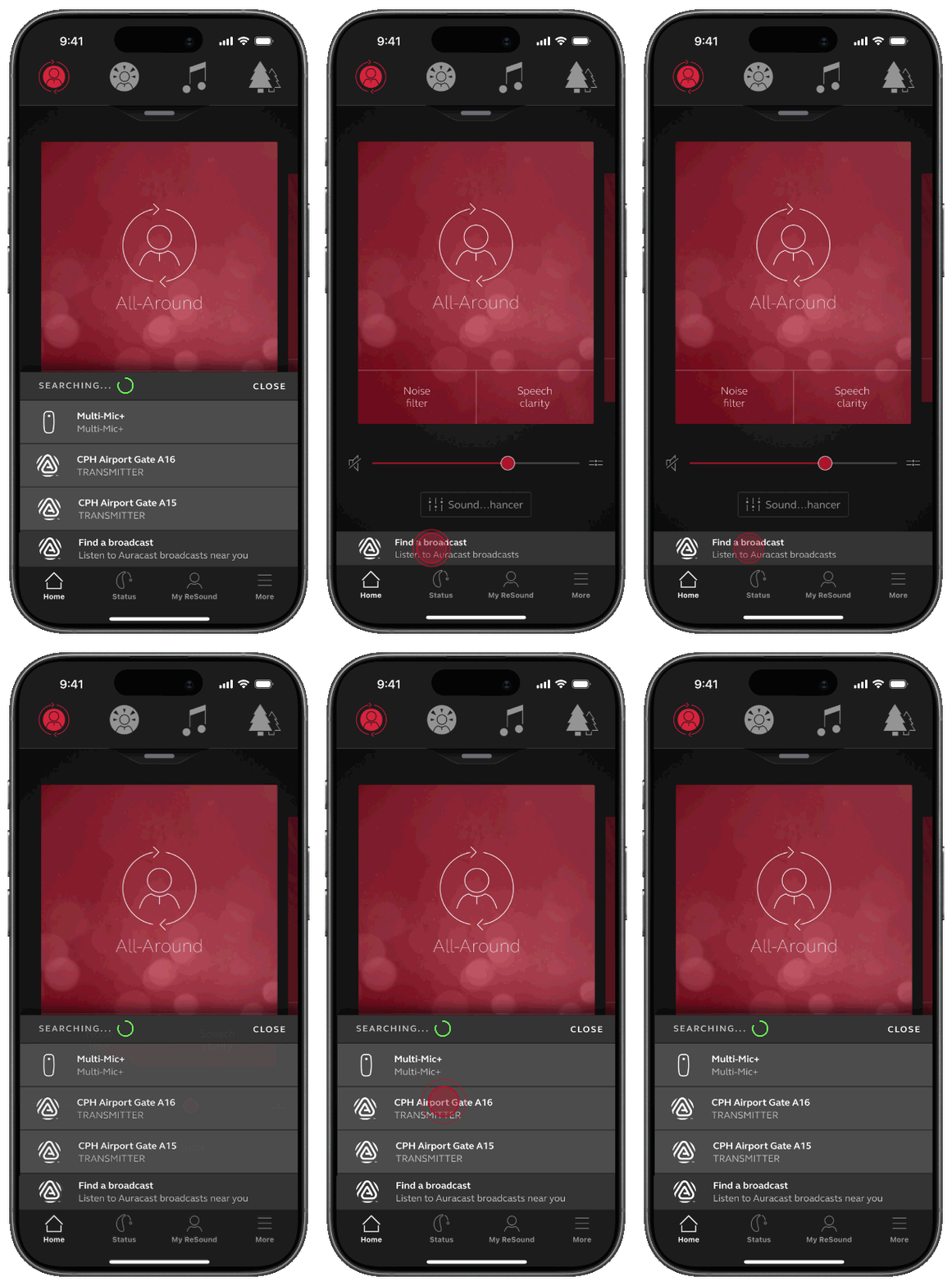
You can find nearby Auracast broadcasts with your hearing aids through a hearing aid app, such as Auracast Assistant in the ReSound app, your phone’s Bluetooth menu, or venue instructions.
Some places may also provide QR codes, signs or physical buttons to help users join a broadcast. Availability depends on whether the venue has installed Auracast.
To connect your hearing aids to an Auracast broadcast, open your hearing aid app or compatible device menu, look for available broadcasts and select the one you want.
Once connected, the audio streams directly to your hearing aids. Unlike classic Bluetooth, Auracast does not require one-to-one pairing first.
You do not always need an app to use Auracast with hearing aids. Some devices can access Auracast through the Bluetooth menu, while others may use a hearing aid app for easier discovery and control, such as Auracast Assistant in the ReSound app.
The exact experience depends on your hearing aids, phone and software compatibility.
You can use Auracast in public places with your hearing aids by joining a nearby Auracast broadcast, where available. This can include airports, theatres, museums, places of worship, conference venues and gyms.
Auracast lets people with Auracast compatible hearing aids and devices receive shared audio directly, without needing to sit in a special area.
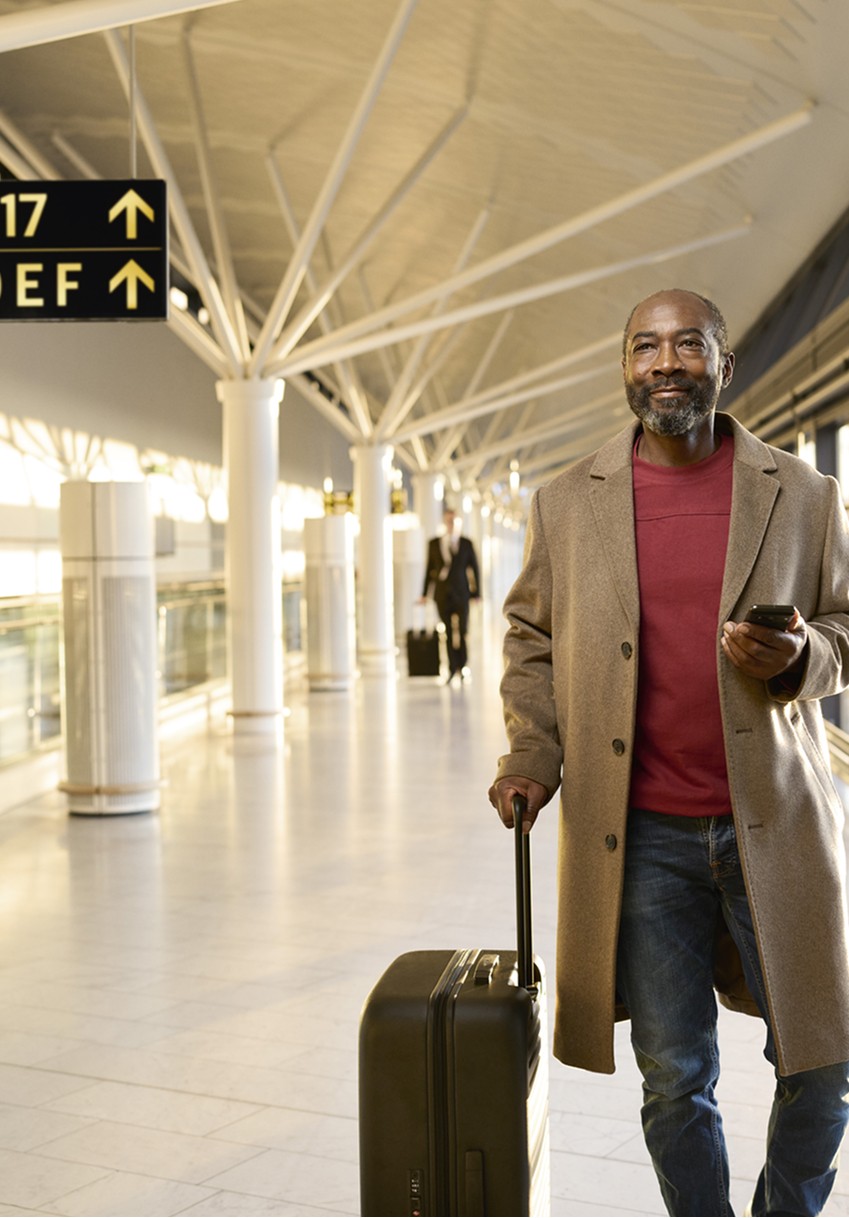
Yes, you can use Auracast to hear announcements in airports and train stations if the location supports Auracast broadcast audio.
Compatible hearing aids can receive travel announcements directly, helping users hear gate changes, boarding calls and platform information more clearly in noisy public environments.
Auracast helps in theatres, churches and conference rooms by streaming speech and sound directly to compatible Auracast hearing aids and other Auracast devices for listening. This can make dialogue, sermons, lectures, translations and presentations easier to hear.
Auracast can also give users more freedom to sit where they want while still hearing clearly.
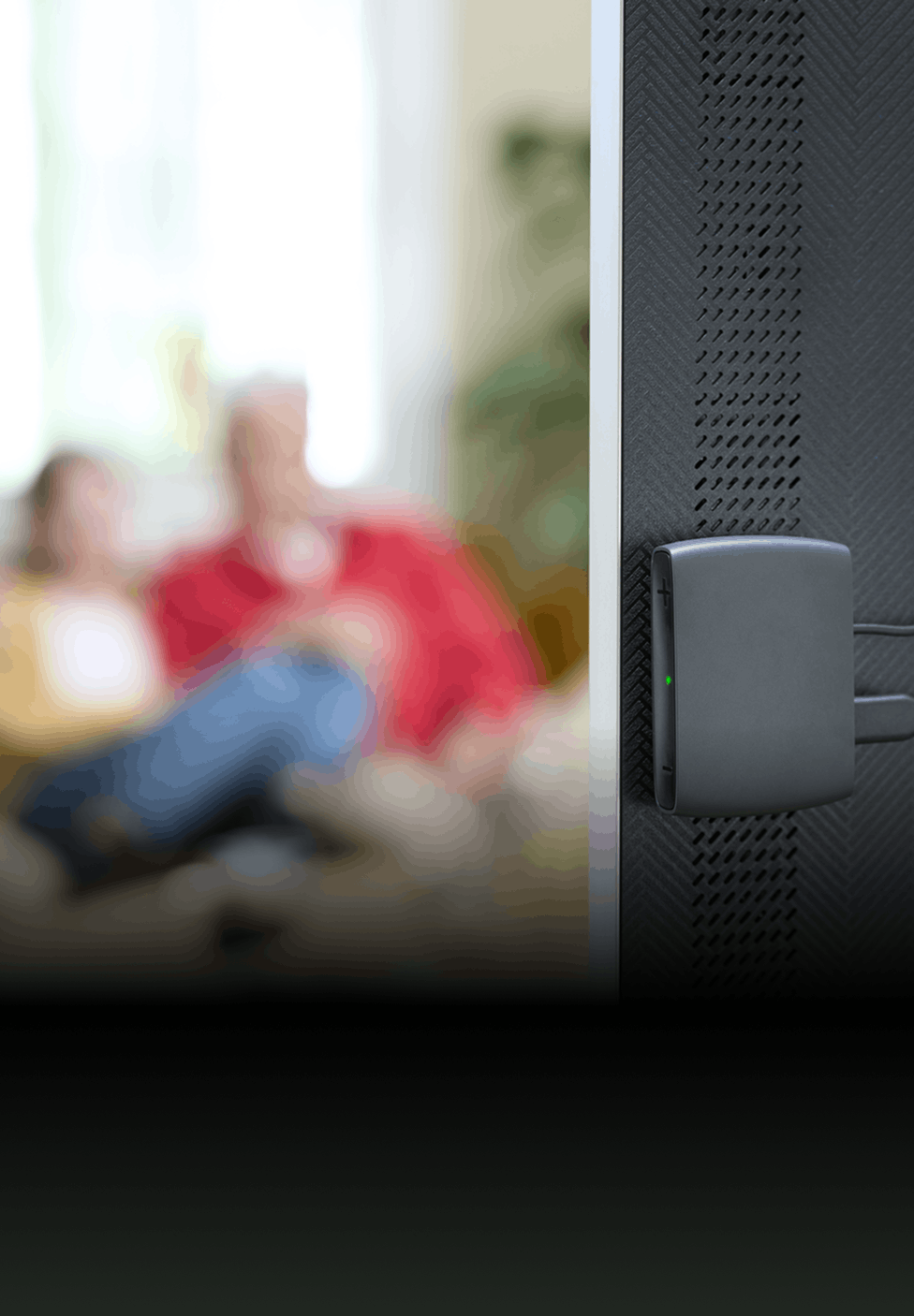
Yes, Auracast for TV can help you hear the TV more clearly at home by streaming TV audio directly to Auracast compatible hearing aids. This can improve clarity, reduce listening effort and let you hear at a comfortable volume.
Some Auracast TV solutions can also share the same audio with multiple Auracast devices. Many TVs today come with Auracast built in.
Auracast may replace hearing loops in some places over time, but not everywhere straight away. Hearing loops and Auracast can co-exist during the transition.
As more venues and devices support Auracast, it may become a more flexible and scalable assistive listening system for public and shared listening.
Ask the venue whether it offers assistive listening, including Auracast broadcast audio or a hearing loop. You can also ask how to access the audio, whether you need a phone or app, where to find instructions, and whether features like live audio descriptions, translations or enhanced dialogue are available.
You can recognise Auracast availability by looking for venue signs, QR codes, app instructions or information in the Bluetooth menu on a compatible Auracast device.
Some public places may also provide staff guidance or physical buttons to help users join an Auracast broadcast.
Availability depends on whether the venue supports Auracast broadcast audio.
Auracast is the next-generation Assistive Listening System (ALS).
It can co-exist with other technologies, like telecoil.
It has a broader transmission, is easy to install, and enables people with hearing loss to sit wherever they want to hear.
Auracast opens up entirely new possibilities for streaming audio in public places.
The LC3 codec is the new standard for the wireless transmission of audio from transmitter to receiver systems. A codec compresses data to transmit it with minimal energy consumption and computational effort.
Formerly, these codecs have not been optimised for the specific requirements of hearing aids, and as a result, hearing aid manufacturers have developed and added their own proprietary protocols. This has led to recurring connection issues across different manufacturers, as a consistent compatibility between hearing system firmware, smartphone operating systems, and Bluetooth protocols could not be guaranteed.
Additionally, LC3 is the new standard codec for audio transmission for all products using Bluetooth LE Audio. This will result in significantly fewer compatibility limitations in the future.
The new LC3 codec and Bluetooth LE Audio were developed in collaboration with the Consumer Electronics industry and hearing aid manufacturers. Bluetooth LE Audio is optimised for low power consumption, high audio quality and very low latency.
With Bluetooth LE Audio, it will be possible to establish direct connections from the television, laptop or other Bluetooth 5.3 compatible devices, to hearing aids.